
How to know your field crew got home safe
The reliable way to confirm everyone made it back — without being the person who stays up texting the crew.
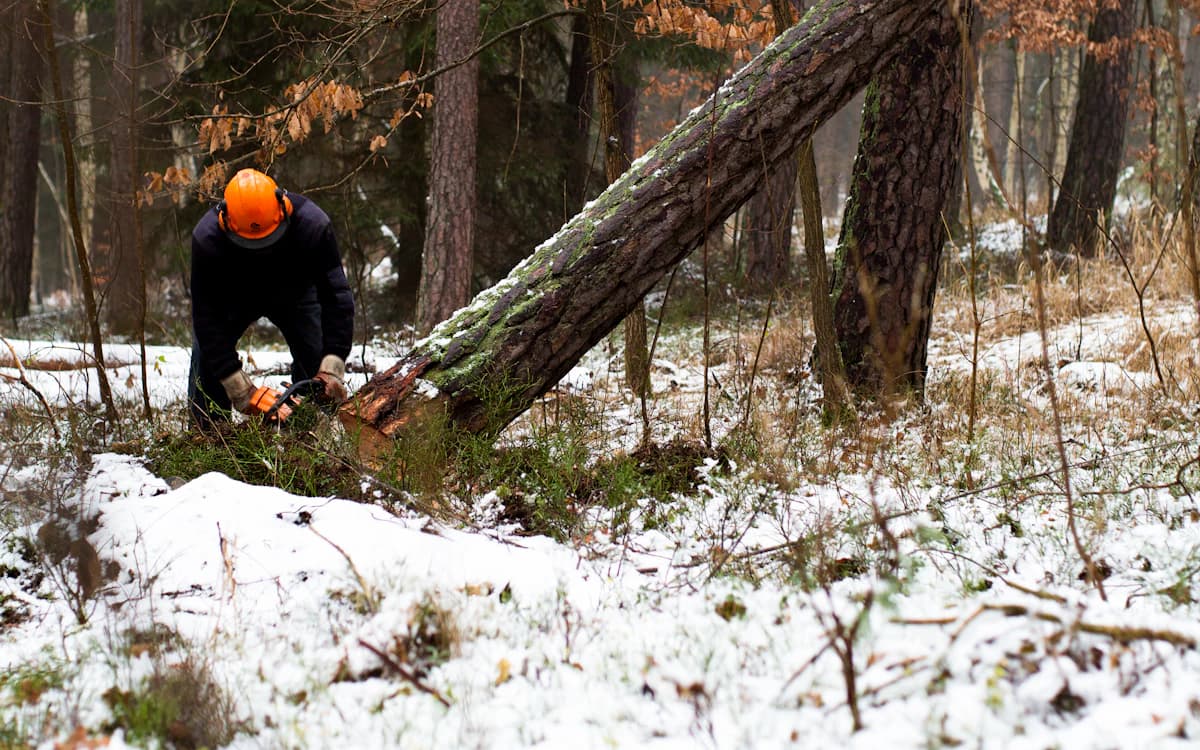
If you run a crew that spreads out across sites, you already know the quiet dread of the end of the day: it’s 7pm, most people have checked in by text, but two haven’t replied — and you can’t remember if that’s because they’re fine and driving, or because something went wrong an hour ago and nobody noticed.
Texting works right up until the one night it matters. This guide lays out a check-in system that doesn’t depend on you remembering who’s still out.
Why "just text me when you're back" breaks down
A text-based safety net has three failure modes, and all three are silent — you only find out you had a gap after the fact:
- No reply is ambiguous. A worker who hasn’t texted could be safe and busy, or could be in trouble. The two look identical in your inbox.
- The watcher has to stay vigilant. Someone has to actively remember who hasn’t checked in. The moment you get distracted, the system is off.
- There’s no escalation. If a check-in never comes, nothing happens automatically. The whole thing relies on a human noticing an absence — which is exactly what humans are bad at.
What a real check-in system needs
A check-in process is only worth setting up if it removes the burden from your memory. The good ones share four traits:
- A clear "out" event. Before someone leaves, they record where they’re going and when they expect to be back. Now there’s a deadline, not a vibe.
- A clear "in" event. One action closes the loop when they return. No reply needed from you.
- Automatic overdue detection. If the expected-return time passes with no check-in, the system flags it — you don’t have to be watching.
- Escalation. The overdue worker gets a nudge first; if they still don’t respond, a manager is alerted. The default outcome of "something went wrong" is "someone finds out", not "nobody notices until morning".
Move from "no news is good news" to "no check-in is an alert". A safe day should be the thing that requires an action, and an unsafe one should trigger itself.
- out 4:10pmMarc R.Site B — transmission line
- back 3:52pmDana K.Cedar Ridge survey
- due 5:30pmPriya S.North access road
Setting it up with your crew
The hardest part isn’t the tooling — it’s adoption. A check-out that takes more than a few seconds won’t survive contact with a tired crew at 6am. Keep the friction near zero: save common destinations and vehicles so a check-out is a couple of taps, and make the check-in a single button.
Set a grace period that matches your work. Forestry crews driving an hour out of cell range need a longer buffer than a plumber doing local calls. The point isn’t to alarm on every late return — it’s to catch the genuinely-overdue ones.
Where Safir fits
Safir is built around exactly this loop. Workers check out before they leave, check in when they’re back, and the team dashboard shows who’s still out in real time. If a check-in goes overdue, the worker gets a push, SMS, or email reminder, and managers are notified after a grace period you control. No group chat, no mental tally, no staying up to count heads.
Frequently asked questions
- How do you track if remote workers got home safely?
- Use a check-out / check-in workflow: workers record an expected return time before they leave and confirm with one tap when back. If the return time passes with no check-in, the system flags it and escalates to a manager automatically, so safety doesn’t depend on anyone remembering who’s still out.
- Is texting good enough for lone worker safety?
- Texting fails silently. A missing reply is ambiguous, it requires someone to actively watch for absences, and nothing escalates automatically if a check-in never arrives. A dedicated check-in system removes those gaps.
Put this into practice with Safir
Lone-worker check-out and return for field teams, with overdue reminders and a live board of who's still out. Free for up to 5 users.
Get started free